The best WordPress donation plugin is not automatically the one with the longest feature list. A simple Stripe donation form, a multi-gateway nonprofit program, and a peer-to-peer campaign need very different tools.
This 2026 comparison looks at six current options through the same commercial lens: campaign fit, payment model, recurring support, donor operations, and total cost. Prices and promotions can change, so every cost section separates the plugin charge from payment-processor fees and flags what to confirm before buying.
WP Full Pay is maintained by Themeisle, which also publishes this site. It appears here as one option, and the same drawbacks and pricing caveats are applied to every plugin.
📖 Need implementation steps rather than a comparison? Read how to create Stripe donation forms in WordPress.
How to compare WordPress donation plugins
Start with the fundraising model, not the price banner. A low first-year license can become expensive if recurring giving, donor records, fee recovery, or a second gateway requires another tier or add-on.
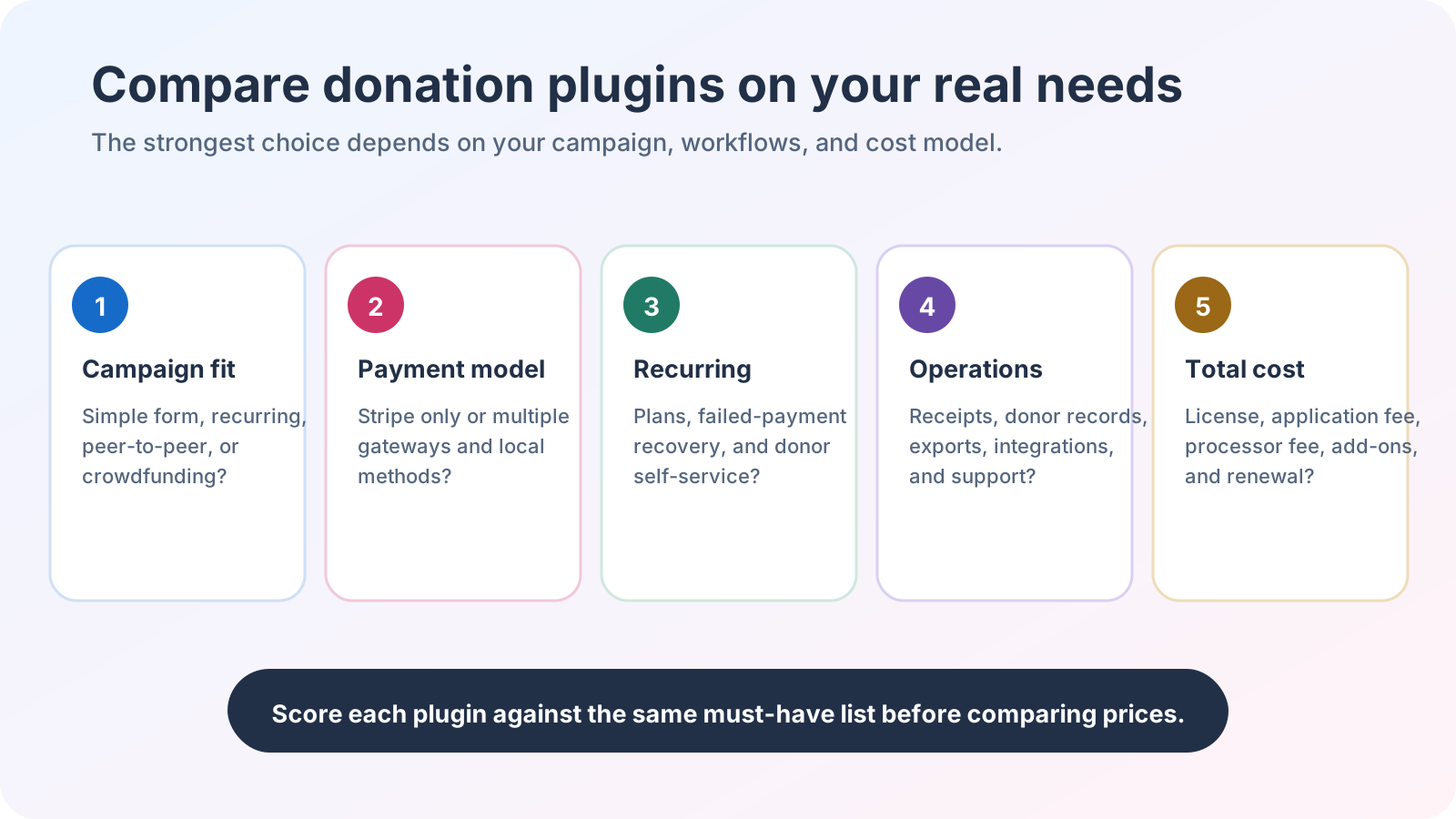 Score every plugin against the same must-have list before comparing prices.
- Campaign fit: Do you need one donation form, multiple campaigns, donor-managed fundraising pages, rewards, or team fundraising?
- Payment model: Is Stripe enough, or do your donors need PayPal, Square, bank methods, or regional gateways?
- Recurring support: Confirm which tier supports recurring gifts, donor self-service, failed-payment handling, and the intervals you need.
- Donor operations: Compare receipts, exports, reports, donor profiles, integrations, and access for staff or volunteers.
- Total cost: Add the license, renewal price, plugin application fee, gateway processing fees, paid extensions, tax, and staff time.
Quick comparison of the best WordPress donation plugins
| Plugin | Best for | Payment model | Recurring giving | Cost caveat |
|---|
| WP Full Pay | Focused Stripe donation forms | Stripe only | Free and paid | Free adds a 5% application fee plus Stripe fees; paid removes the application fee |
| Paymattic | Payments and donations across several gateways | Stripe in Free, broader gateway set in Pro | Pro | Promotional prices and renewal terms need a live checkout check |
| WP Simple Pay | Stripe forms with a mature form builder | Stripe only | Lite and paid | Lite adds 3% plus Stripe fees; paid introductory prices renew at full price |
| Give | Full nonprofit fundraising operations | Multiple gateways | Pro and Elite | Recurring starts in a higher paid tier; processor fees still apply |
| WP Crowdfunding | Existing WooCommerce crowdfunding sites | Uses WooCommerce payment handling | Not its core use case | Free version exists; current paid pricing and product direction require confirmation |
| Charitable | Campaigns, donor management, and growth into peer-to-peer | Multiple gateways | Plus and above | Displayed first-year prices renew at higher full prices |
The table is a screening tool, not a universal ranking. Test the current plugin version in a staging site, confirm gateway eligibility for your country and currency, and verify the final checkout total before committing.
1. WP Full Pay
Best for
Organizations that want one-time or recurring Stripe donation forms without installing WooCommerce or a broader fundraising platform.
Why it stands out
WP Full Pay keeps the scope narrow. Its current donation forms support preset and donor-entered amounts, one-time and recurring frequencies, campaign goals, and anonymous donations. The free version exposes the same documented core features in exchange for an application fee.
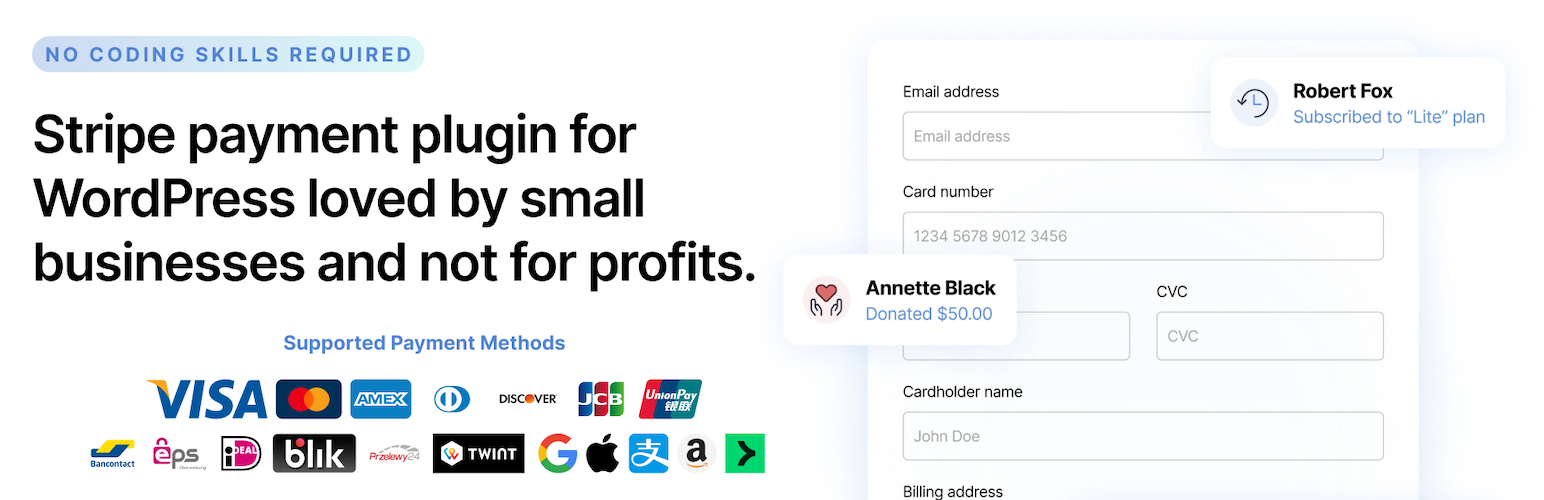 This vendor-supplied WordPress.org banner identifies WP Full Pay. The comparison relies on verified documentation, not the banner’s marketing copy.
Key features
- Inline forms and Stripe-hosted Checkout forms.
- Suggested, custom, one-time, and recurring donation amounts.
- Donation goals, progress display, and donor self-service through the customer portal.
- Shortcode and block placement for WordPress content.
Potential drawbacks
It connects to Stripe only, one WordPress installation connects to one Stripe account, and it does not integrate with WooCommerce. Teams that need several gateways, peer-to-peer campaigns, or a full donor CRM should compare broader platforms.
Pricing caveat
The free version adds a 5% WP Full Pay application fee per transaction, plus Stripe processing fees. A paid annual license removes the application fee. The current pricing page renders an ambiguous currency marker, so this comparison does not print a paid-plan currency or refund window.
2. Paymattic
Best for
Sites that want donation and payment forms in one plugin, with a broader Pro gateway catalog and integrations for marketing or learning tools.
Why it stands out
Paymattic combines payment forms, donation forms, subscriptions, reporting, and integrations. Stripe is available in the free plugin, while the current Pro listing places recurring donations, subscriptions, the wider gateway set, and advanced donor features in Pro.
Key features
- Donation templates, custom amounts, progress displays, and donor dashboards.
- Stripe, PayPal, Square, Authorize.Net, and several regional gateways in the current Pro catalog.
- Recurring donations through supported Pro gateway flows.
- CRM, email, automation, and learning-platform integrations.
Potential drawbacks
The free and Pro boundaries matter. A feature shown on the product site is not necessarily in the free plugin, and recurring support varies by gateway. Confirm the exact payment processor, billing interval, and donor-management feature in the plan matrix.
Pricing caveat
A free version is available. The vendor currently advertises discounted monthly equivalents for annual and lifetime offers, but promotions can move. Confirm the amount charged today, billing term, renewal price, gateway fees, and any tax at checkout.
3. WP Simple Pay
Best for
WordPress sites committed to Stripe that want polished payment forms and may also use the plugin for donations.
Why it stands out
WP Simple Pay is a standalone Stripe plugin with hosted and on-site form options. Its current Lite listing includes recurring payments, while paid plans add richer custom fields, donor-entered amounts, subscription controls, and form styling.
Key features
- Stripe Checkout plus embedded and overlay forms in paid tiers.
- Recurring payments in Lite and paid editions.
- Apple Pay, Google Pay, bank methods, coupons, and tax tools depending on the plan and Stripe eligibility.
- Donation-friendly custom amounts and fee recovery in paid plans.
Potential drawbacks
It is Stripe only and is not a donor-management suite. The free edition can handle recurring payments, but donor-entered amounts and several form-builder capabilities require a paid plan.
Pricing caveat
Lite adds a 3% application fee per transaction, plus Stripe fees. The current pricing page advertises Personal at $49.50 for the first year and states that renewals are at the $99 full price. Recheck both figures and the feature matrix before purchase.
4. Give
Best for
Nonprofits that need campaigns, donor records, receipts, reporting, recurring giving, and room to grow into peer-to-peer fundraising.
Why it stands out
Give, historically known as GiveWP, now presents a complete fundraising stack under Liquid Web. Its current plans combine forms, campaign tracking, donor management, reports, and receipts, with recurring giving in Pro and peer-to-peer tools in Elite.
Key features
- Donation forms, campaigns, goals, donor profiles, reports, and PDF receipts.
- Stripe, PayPal, and Square in the current commercial plans.
- Recurring schedules and donor subscription management in Pro and Elite.
- Peer-to-peer pages, teams, and leaderboards in Elite.
Potential drawbacks
This is a larger platform than a simple Stripe form plugin. Recurring donations and peer-to-peer fundraising sit in higher tiers, so a small organization may pay for operational breadth it does not yet need.
Pricing caveat
The current commercial page lists Essentials at $199 per year, Pro at $399, and Elite at $599. It says there are no donation fees, but payment-gateway processing fees can still apply. Recurring donations require Pro or Elite.
5. WP Crowdfunding
Best for
Existing WooCommerce sites that already run reward-based crowdfunding campaigns and need to evaluate their current setup.
Why it stands out
WP Crowdfunding turns WooCommerce products into campaigns and provides campaign submission, project listings, dashboards, rewards, and campaign updates. The WordPress.org directory entry is current, replacing the dead vendor URL used in the older article.
Key features
- Frontend campaign submission and campaign dashboards.
- Reward tiers, fundraising goals, campaign updates, and project listings.
- WooCommerce-based payment handling and extensions.
- A free directory version plus a separately described paid version.
Potential drawbacks
It adds WooCommerce complexity and is built for crowdfunding, not a straightforward recurring-donation program. Its current changelog includes migration support from WP Crowdfunding to Growfund, so teams considering a new implementation should confirm the roadmap, documentation, and support path first.
Pricing caveat
The free plugin remains in the WordPress directory, and the listing says a paid version exists. A reliable current paid price was not available from the official directory page, so the stale $74.50 figure has been removed. Include WooCommerce extensions, gateway fees, hosting, and migration work in the total-cost estimate.
6. Charitable
Best for
Organizations that want campaign and donor-management tools now, with paid paths to recurring giving, automation, and peer-to-peer campaigns.
Why it stands out
Charitable combines customizable donation forms with donor records, reports, campaign goals, receipts, and several payment gateways. Its plan structure makes the growth path clear: recurring donations appear in Plus, while peer-to-peer fundraising and crowdfunding appear in Pro.
 Charitable’s official WordPress.org listing artwork identifies the plugin without standing in for the feature and pricing checks below.
Key features
- Campaigns, forms, donor dashboards, reports, receipts, and donation goals.
- Stripe, Square, PayPal, Authorize.Net, offline donations, and other gateways in current paid plans.
- Recurring donations, fee relief, and annual receipts in Plus and above.
- Peer-to-peer fundraising, teams, Stripe Connect, and automation in Pro and above.
Potential drawbacks
Recurring donations are not in the entry paid tier, and peer-to-peer features require another step up. Teams should also map each required gateway and integration to the plan matrix rather than assuming every feature is included together.
Pricing caveat
A free version is available. The current commercial page lists Basic at $69 for the first year with a $149 full price, and Plus at $99 with a $199 full price. Recurring donations start with Plus. Gateway processing fees and tax remain separate.
Choose by fundraising model
- For a focused Stripe donation form: Compare WP Full Pay and WP Simple Pay. The deciding factors are free-version fees, donor-entered amount support, form layout, and the paid feature set.
- For multiple gateways and broader donor operations: Compare Paymattic, Give, and Charitable. Match the exact gateways, recurring plan, receipts, reporting, and integrations to one paid tier.
- For peer-to-peer fundraising: Compare the higher Give and Charitable tiers. These products are closer to fundraising platforms than lightweight payment forms.
- For an existing WooCommerce crowdfunding site: Audit WP Crowdfunding compatibility and its Growfund migration path before planning new custom work.
💡 Run a staging test with the real currency, gateway account, recurring interval, email receipt, refund flow, and donor export. A feature-list match is not enough if the payment lifecycle or staff workflow breaks.
Questions to answer before you buy
- Which payment gateways and currencies must work for the organization today?
- Are one-time gifts enough, or do donors need recurring schedules and self-service?
- Does the team need a simple transaction list or a full donor database with reports and exports?
- Will supporters create campaigns, teams, or public fundraising pages?
- What is the first-year cost and the renewal cost after adding application fees, processor fees, extensions, and tax?
- Can the team test a real donation, recurring renewal, failed payment, refund, receipt, and export before launch?
If suggested amounts are part of the form, build them from your donor history and campaign economics rather than copying another site. The suggested donation guide explains how to set an amount ladder and test it without turning a higher average gift into a misleading success metric.
Final verdict
There is no single best WordPress donation plugin for every fundraiser. WP Full Pay and WP Simple Pay fit a Stripe-first form strategy. Paymattic adds payment and integration breadth. Give and Charitable are stronger candidates for structured donor operations and advanced campaigns. WP Crowdfunding belongs on the shortlist mainly when WooCommerce crowdfunding is already part of the site.
The safest choice is the smallest product that covers the real fundraising model, passes an end-to-end staging test, and has a total cost the organization can sustain after the introductory year.